What to Consider When Buying a Computer? A Comprehensive Guide

 07.23.2026
Buying a new computer can be challenging due to the wide variety of brands and hardware configurations available. In this guide, you'll learn the key factors to consider when purchasing a computer, which features matter most for different use cases, and practical tips to help you make the right choice.
What Should You Determine First Before Buying a Computer?
Before purchasing a computer, you should clearly define your primary use case. Office work, software development, graphic design, video editing, and gaming all require different hardware capabilities.
Assessing your needs beforehand helps you make the most of your budget while ensuring you choose a computer that will continue to meet your expectations over time.
Should You Choose a Desktop or a Laptop?
One of the first decisions you'll need to make is whether to buy a desktop computer or a laptop. Each option offers different advantages depending on your work style and daily habits.
Consider the following factors when making your decision:
- If you travel frequently, a laptop may be the better choice.
- If you primarily work from one location, a desktop computer may be more suitable.
- If you plan to upgrade hardware in the future, desktop systems offer greater flexibility.
- If portability is your top priority, a laptop is the more practical option.
- If you prefer using a larger display and multiple peripherals, a desktop computer may be the better fit.
Why Is Processor Selection Important?
The processor (CPU) is one of the most important components that determines overall computer performance. Application speed, multitasking capabilities, and the overall user experience all depend heavily on the processor.
When choosing a computer, consider not only the processor brand but also its generation and whether its performance matches your intended workload.
How Much RAM Is Enough for a Computer?
RAM determines how smoothly your computer can run multiple applications simultaneously. Insufficient memory can lead to slowdowns, especially during multitasking or when running resource-intensive software.
General recommendations include:
- 8 GB RAM: Everyday computing, web browsing, and office applications
- 16 GB RAM: Software development, education, and multitasking
- 32 GB RAM or more: Video editing, 3D modeling, and professional workloads
Should You Choose an SSD or an HDD?
Storage technology has a direct impact on boot times and application performance. Today, SSDs are widely preferred because they offer significantly faster read and write speeds than traditional hard drives.
Although HDDs typically provide larger storage capacities, they cannot match the performance of SSDs. For this reason, computers equipped with SSD storage are generally the recommended choice.
How Should You Evaluate Display Features?
Display quality directly affects your overall computing experience. Screen resolution, panel technology, display size, and refresh rate should all be evaluated based on your intended use.
For users who spend long hours in front of a computer, a high-quality display can improve both visual clarity and overall comfort.
Key display features to consider include:
- Full HD resolution or higher
- IPS panel technology
- Adequate brightness
- Matte display option (depending on your needs)
- Higher refresh rates for gaming and other demanding applications
Who Needs a Powerful Graphics Card?
Not every computer user requires a high-performance graphics card. However, it is an essential component for users working with graphics-intensive applications or playing modern games.
A dedicated GPU is especially important for:
- Gamers
- Video editors
- 3D artists and modelers
- Graphic designers
- Users of architecture and engineering software
Why Should You Check the Available Ports?
Connectivity options play an important role in everyday usability. Ensuring that your computer supports your existing peripherals and accessories can make your workflow much more convenient.
Useful ports and connectivity features include:
- USB Type-A
- USB Type-C
- HDMI
- Ethernet (if required)
- Headphone jack
- Bluetooth and the latest Wi-Fi standards
Why Is the Cooling System Important?
An effective cooling system allows a computer to maintain stable performance during demanding workloads. Temperature management is particularly important when running applications that require significant processing power.
Well-designed airflow and efficient cooling solutions help extend the lifespan of internal components while maintaining consistent performance.
What Mistakes Should You Avoid When Buying a Computer?
Choosing a computer based solely on price or a single hardware component may lead to disappointment in the long run. A well-balanced system usually provides a better overall experience.
Common mistakes to avoid include:
- Buying a computer without assessing your needs
- Focusing only on the processor
- Ignoring RAM upgrade options
- Overlooking the storage technology
- Failing to check available ports
- Underestimating the importance of portability
- Ignoring cooling performance
How Can You Extend the Lifespan of Your Computer?
Selecting the right computer is only part of the equation. Proper maintenance and appropriate usage help ensure reliable performance for years to come.
Keeping your operating system up to date, cleaning unnecessary files regularly, and installing manufacturer-recommended updates can all contribute to a smoother and more efficient computing experience.
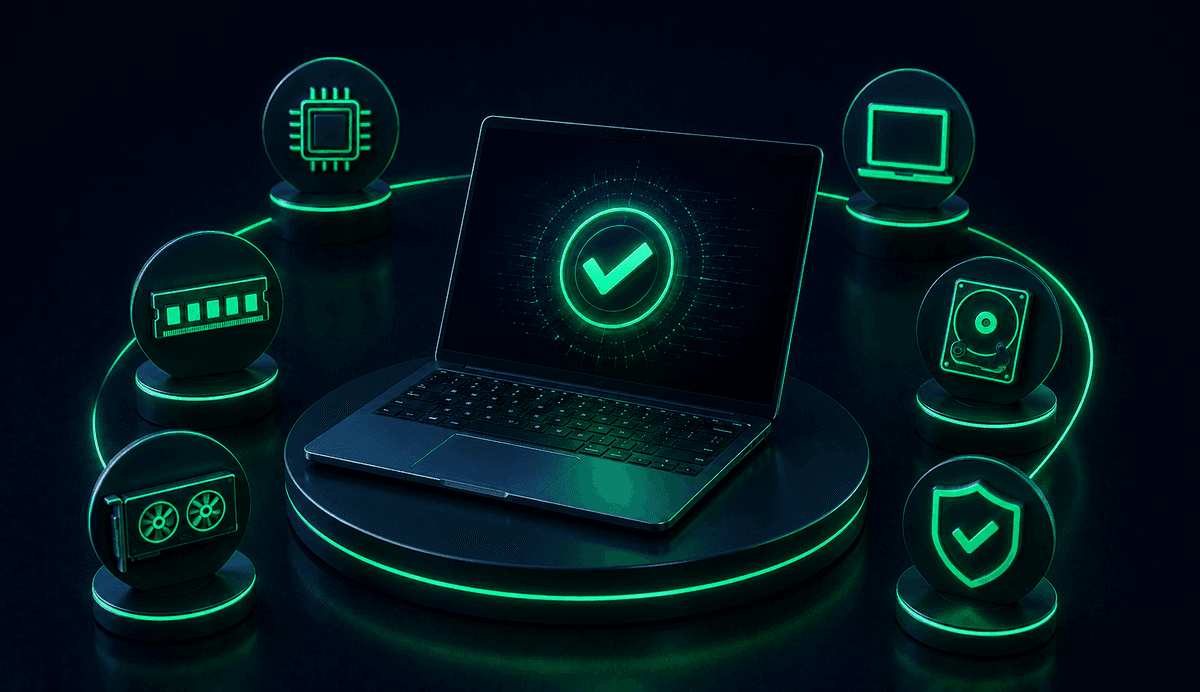
When buying a computer, it's important to evaluate the processor, RAM, storage, display, graphics card, and connectivity options together while considering your intended use. Choosing a well-balanced system that matches your needs will provide a more productive and enjoyable experience for both everyday tasks and long-term use.