Bilgisayar Hızlandırma İçin En Etkili 5 Yöntem

 07.23.2026
A slow computer can negatively affect your everyday user experience. In this guide, you'll learn the most effective ways to improve your computer's speed, the main causes of performance issues, and the key practices to keep your system running smoothly.
Why Does a Computer Slow Down?
There is no single reason why computers become slower over time. A full storage drive, unnecessary background applications, outdated drivers, or hardware that can no longer meet modern requirements can all lead to reduced performance.
Computers that have been used for a long time without regular maintenance are especially prone to performance issues. Before attempting to improve performance, it's important to identify the root cause of the slowdown.
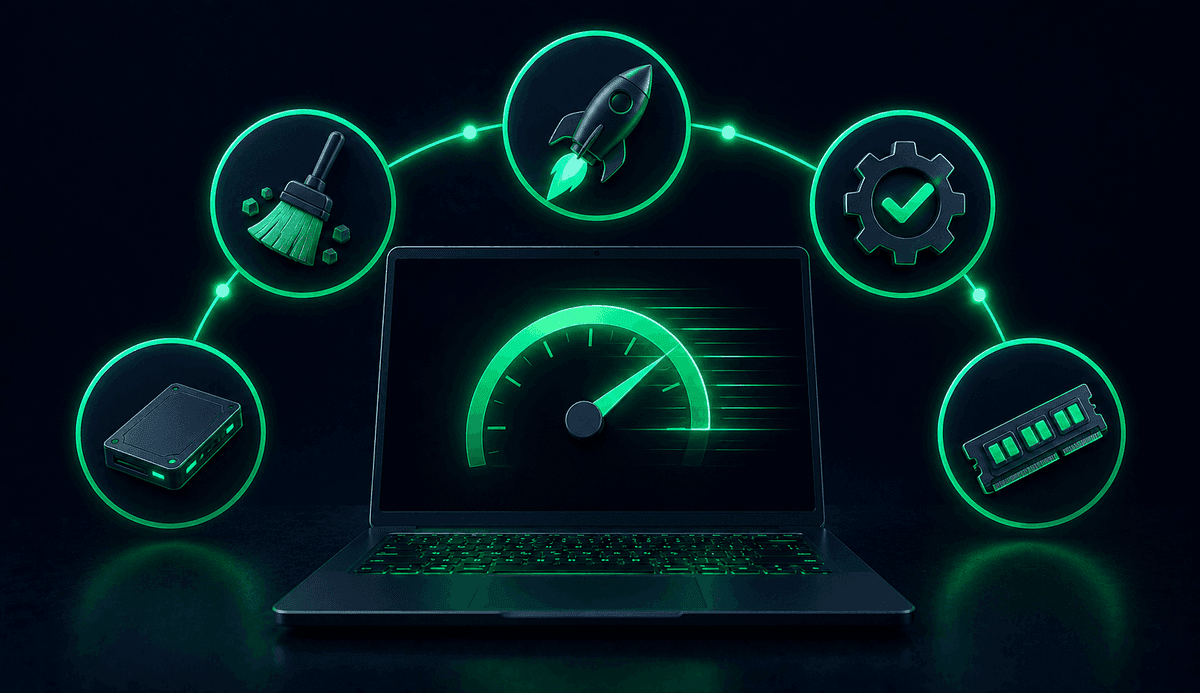
What Are the 5 Most Effective Ways to Speed Up a Computer?
Although there are many ways to improve computer performance, some methods are significantly more effective than others. The following techniques are among the most commonly recommended solutions for both Windows users and general computer maintenance.
1. Why Is It Important to Remove Unnecessary Programs?
Unused applications do more than occupy storage space. Many of them launch automatically when your computer starts, consuming valuable system resources. This can increase boot time and reduce overall performance.
Reviewing your installed programs regularly helps your computer run more efficiently.
- Uninstall applications you haven't used in a long time.
- Remove duplicate programs that serve the same purpose.
- Check for expired trial software you no longer need.
- Review programs installed from untrusted sources.
2. How Can You Reduce Startup Programs?
Many applications are configured to launch automatically when your computer starts. However, not all of them are necessary. Disabling unnecessary startup programs can significantly improve boot time.
This allows your computer to become usable more quickly while reducing unnecessary background resource usage.
- Disable automatic startup for applications you don't use regularly.
- Check the startup settings of messaging apps and gaming platforms.
- Keep a note of any programs you may want to re-enable later.
3. How Can You Free Up Storage Space?
A nearly full storage drive can directly impact your computer's performance. Temporary files, old downloads, and large unused files gradually consume valuable disk space.
Cleaning your storage regularly helps keep your files organized and allows your system to operate more efficiently.
- Empty the Recycle Bin regularly.
- Delete temporary files.
- Remove or move large unused files to an external drive.
- Review the Downloads folder periodically.
- Consider using cloud storage solutions.
4. Why Should You Keep Your Operating System and Drivers Updated?
Software updates do more than introduce new features. They also include performance improvements, security enhancements, and bug fixes. Outdated drivers may prevent your hardware from performing at its full potential.
For this reason, it's beneficial to regularly check for operating system updates and install drivers recommended by your device manufacturer.
During the update process, always use trusted sources and avoid interrupting the installation.
5. Can Hardware Upgrades Improve Performance?
In some cases, software optimizations alone are not enough. Older computers, in particular, can benefit significantly from hardware upgrades.
Before upgrading your hardware, make sure the new components are compatible with your device's specifications.
The most common upgrades include:
- Replacing a traditional hard drive with a faster SSD.
- Increasing your RAM capacity.
- Expanding available storage space.
- Choosing components officially supported by your device manufacturer.
What Mistakes Should You Avoid When Speeding Up Your Computer?
Many applications claim to improve computer performance, but not all of them are trustworthy. Software downloaded from unknown sources can create both performance and security risks.
Similarly, deleting system files or making changes to the system registry without proper knowledge can cause unexpected problems. Always rely on safe and trusted methods when optimizing your computer.
What Should You Do Regularly to Maintain Computer Performance?
Keeping your computer running efficiently requires ongoing maintenance rather than one-time fixes.
The following habits can help maintain your computer's performance over time:
- Clean unnecessary files regularly.
- Keep your operating system up to date.
- Uninstall applications you no longer use.
- Maintain sufficient free storage space.
- Restart your computer periodically instead of leaving it running indefinitely.
- Back up your important data regularly.
Improving computer performance involves a combination of software optimization and, when necessary, hardware upgrades. Removing unnecessary programs, managing startup applications, cleaning storage space, keeping your system updated, and upgrading compatible hardware when needed can help your computer perform more efficiently for years to come.