Essential Programs for a Computer

 07.16.2026
Essential Programs Every Computer Should Have: Software Every User Needs
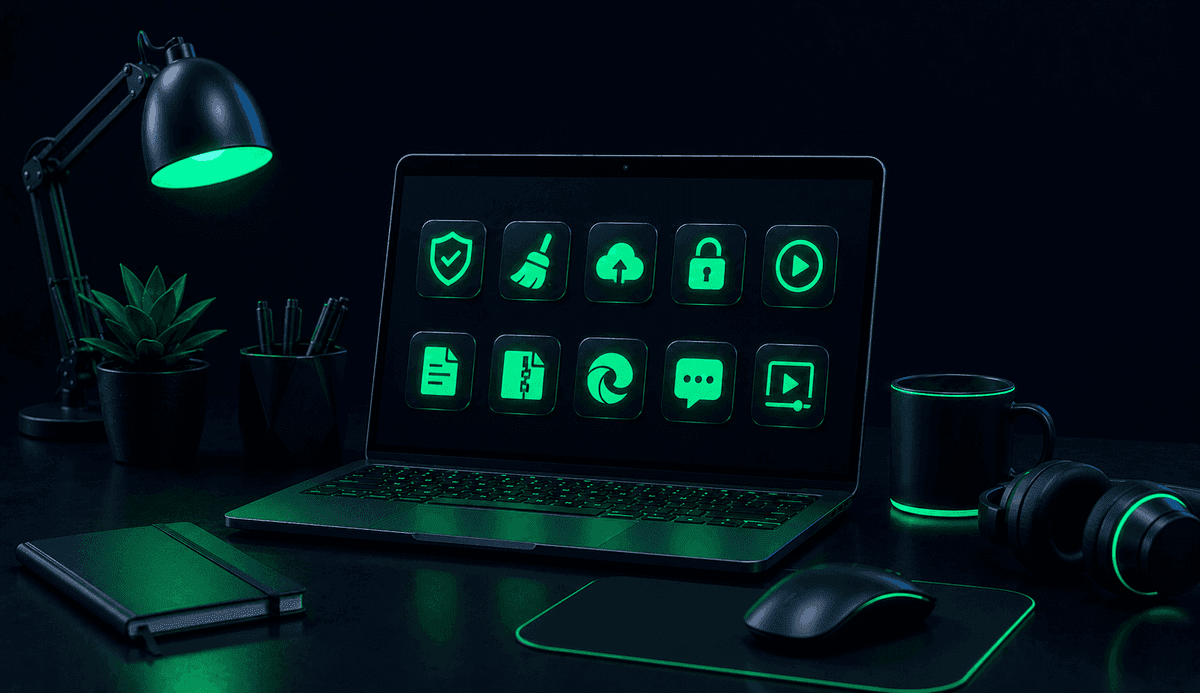
Installing the right software is essential to make your computer more productive, secure, and functional. In this guide, you can explore the essential programs every computer should have based on different use cases and discover the software that best fits your needs.
What programs should every computer have?
After purchasing a new computer or reinstalling your operating system, one of the first things you should do is install essential software. These programs improve your overall computing experience by covering key needs such as security, productivity, file management, web browsing, and multimedia.
Although every user has different requirements, there are several core applications that are useful for almost everyone.
Which internet browsers should you choose?
A web browser is one of the most frequently used applications on any computer. Speed, security, extension support, and synchronization features all contribute to a smoother online experience.
Some of the most popular web browsers include:
- Google Chrome
- Mozilla Firefox
- Microsoft Edge
- Opera
- Brave
When choosing a browser, consider factors such as speed, privacy features, and synchronization with your other devices.
Why are office applications important?
Office software is essential for creating documents, preparing presentations, and working with spreadsheets. These applications are widely used in both educational and professional environments.
Some of the most commonly used office applications include:
- Microsoft Word
- Microsoft Excel
- Microsoft PowerPoint
- Google Docs
- Google Sheets
- LibreOffice
Cloud-based office solutions also make it easier to access files from multiple devices and collaborate with others in real time.
Why should you use file compression software?
Many files downloaded from the internet are distributed in compressed formats. File compression software allows you to extract these files and create compressed archives for easier storage and sharing.
Popular file compression tools include:
- 7-Zip
- WinRAR
- PeaZip
These applications support a wide variety of archive formats, including ZIP, RAR, and many others.
Which PDF viewing and editing programs are recommended?
PDF is one of the most widely used document formats in both education and business. Having a reliable PDF viewer—and, if needed, a basic editing tool—can significantly improve productivity.
Popular PDF applications include:
- Adobe Acrobat Reader
- Foxit PDF Reader
- PDFgear
- PDF-XChange Editor
Depending on your needs, you can choose software designed for simple viewing or more advanced editing features.
Which security programs can help protect your computer?
Security software helps protect your computer against malware and other digital threats. In addition to using security software, regularly updating your operating system and downloading applications only from trusted sources are important security practices.
Some widely used security solutions include:
- Microsoft Defender
- Bitdefender
- ESET
- Malwarebytes
- Avast
When selecting antivirus software, consider its impact on system performance as well as the frequency of security updates.
Which media players are worth using?
Media players that support a wide range of video and audio formats improve your overall multimedia experience. Applications with broad format compatibility eliminate the need for additional codecs in many cases.
Popular media players include:
- VLC Media Player
- Media Player Classic
- PotPlayer
- KMPlayer
These applications can play most audio and video formats without requiring extra codec installations.
Why should you use cloud storage applications?
Cloud storage services allow you to securely store your files online instead of relying solely on your local computer. This makes it easier to access files from different devices and create reliable backups.
Common cloud storage services include:
- Google Drive
- Microsoft OneDrive
- Dropbox
- iCloud Drive
Regularly backing up important files to the cloud can help reduce the risk of data loss.
Which programs are useful for developers?
For software developers, using the right development tools is essential. Code editors, integrated development environments (IDEs), and version control systems help streamline the development process.
Frequently used development tools include:
- Visual Studio Code
- Visual Studio
- IntelliJ IDEA
- PyCharm
- Git
- GitHub Desktop
These tools support a variety of programming languages and simplify software development workflows.
Which tools can help improve computer performance?
Regular maintenance, storage management, and removing unnecessary files can help keep your computer running efficiently. However, utilities that modify system files should be used with caution.
Useful maintenance tools include:
- Windows Storage Cleanup tools
- CCleaner
- TreeSize Free
- CrystalDiskInfo
These applications can help analyze storage usage, monitor disk health, and manage available disk space.
Which screen capture programs should you use?
Taking screenshots is a common task for education, work, and technical support. In addition to built-in operating system tools, several third-party applications offer more advanced functionality.
Popular screenshot tools include:
- Snipping Tool
- ShareX
- Greenshot
- Lightshot
These applications often include features such as annotation, editing, and quick sharing.
How should you choose the essential programs for your computer?
The software you need depends on how you use your computer. Students, software developers, gamers, and office professionals may all prioritize different applications.
When choosing software, consider the following criteria:
- Your intended use
- Availability from a trusted developer
- Regular software updates
- Compatibility with your operating system
- Efficient use of system resources
- Licensing model and terms of use
Choosing software that matches your needs helps you make better use of storage space while keeping your computer organized and running efficiently.
Conclusion
Using the right software can make your computer more secure, faster, and more productive. By selecting applications that fit your specific needs, you can simplify everyday tasks, improve your workflow, and get the most out of your computer.