What Is Docker and How Do You Install It? A Beginner's Guide

 10.08.2026
Docker is a platform that allows applications to run in an isolated environment together with the components they need. In this guide, we will cover what Docker is, how it works, and how to install it on Windows, macOS, and Linux at a basic level.
What is Docker?
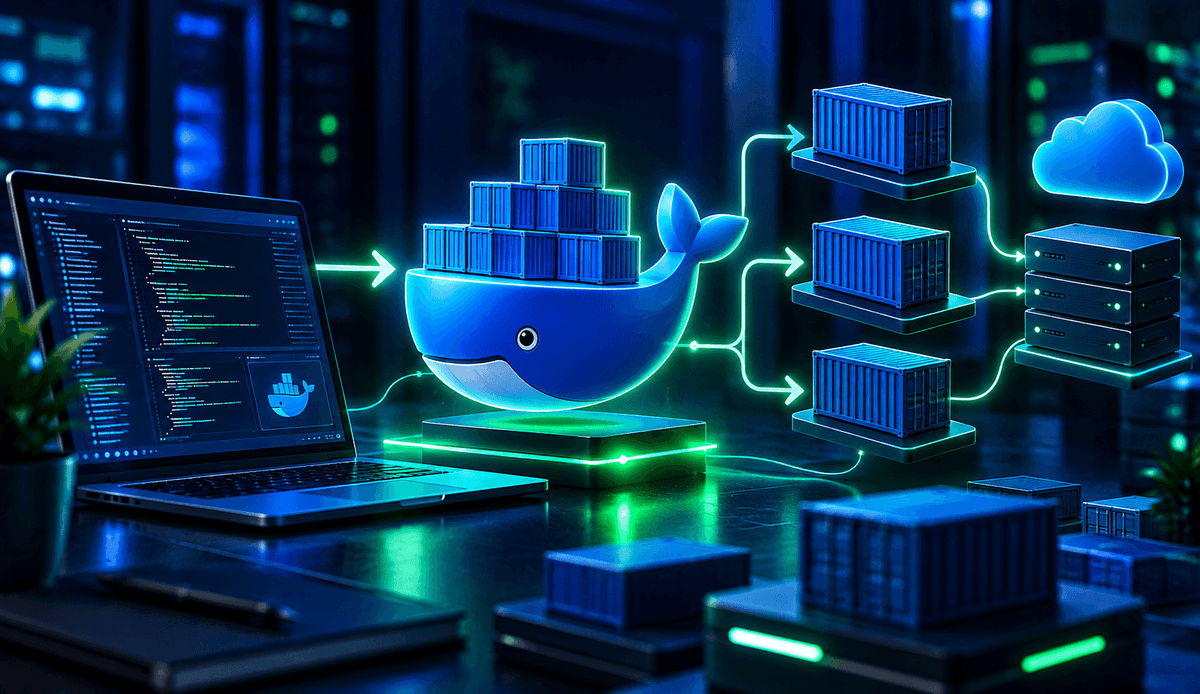
Docker is a platform that allows applications to run in isolated environments called containers. The code, libraries, and dependencies required for an application to run can be kept together within this environment.
This approach helps applications run under more consistent conditions across different computers. Docker is widely used in software development, testing, and application deployment processes.
How does Docker work?
The basic concepts behind Docker include images, containers, and Dockerfiles. Each of these serves a different purpose.
A Docker image can be thought of as a template used to create containers. A container is a running instance of an image. A Dockerfile, on the other hand, contains instructions that define how an image should be built.
For example, for a Python application, the Python version, dependencies, and instructions for preparing application files can be defined in a Dockerfile. An image created from this file can then be run as a container in different environments.
What is Docker used for?
Docker helps reduce issues caused by differences between environments during development and application runtime. It can help prevent situations where an application works on one developer's computer but behaves differently in another environment.
Common use cases for Docker include:
- Software development: Isolated development environments can be created for projects.
- Testing: Applications can be tested in containers with different configurations.
- Application deployment: Applications can be packaged and moved together with the components they need.
- Microservices: Large applications can be run as smaller, independent services.
- Local development: Databases and other services can be run as containers instead of being installed directly on the computer.
What are the requirements for installing Docker?
The Docker installation process varies depending on the operating system. For Windows and macOS users, Docker Desktop is generally the most practical option. Linux users can install Docker Engine directly on their systems.
Before installation, it is important to check whether the operating system is supported by the current version of Docker. In particular, Windows users may also need to meet certain system requirements related to virtualization.
How to install Docker on Windows?
Docker Desktop can be installed to use Docker on Windows. After downloading the installation file from Docker's official website, follow the installation wizard.
Once the installation is complete, open Docker Desktop and wait for the Docker service to start. You can then verify the installation by running the following command in PowerShell or Command Prompt:
docker --versionIf the command displays the Docker version, the Docker command-line tool is available. For a more comprehensive check, you can also run:
docker run hello-worldDocker downloads the required image and runs a simple container. If the process completes successfully, the basic Docker environment is ready to use.
How to install Docker on macOS?
macOS users can use Docker Desktop. First, download the Docker Desktop version that matches your Mac's processor architecture.
Once the installation is complete, open Docker Desktop. You can check whether Docker is installed by running the following command in Terminal:
docker --versionYou can then test Docker's basic functionality by running the hello-world image:
docker run hello-worldOn Macs with Apple Silicon, it may be important to use images compatible with the ARM64 architecture or to make sure that the selected image supports multiple architectures.
How to install Docker on Linux?
Docker installation on Linux varies depending on the distribution being used. On Debian-based distributions such as Ubuntu, Docker Engine can be installed through Docker's official package repositories.
Before installation, it is recommended to check the existing Docker packages and the current state of the system. The distribution-specific installation steps in Docker's official documentation can then be followed to install the required packages.
After installation, you can check the Docker version with the following command:
docker --versionYou can then test whether Docker is working properly by running a basic container:
docker run hello-worldSince installation steps may differ between Linux distributions, it is recommended to follow the method provided in the current Docker documentation for the specific distribution you are using.
What is the difference between a Docker image and a container?
Although images and containers are closely related, they are not the same thing. An image is a persistent template containing the files and configurations required for an application to run. A container is a running instance created from that image.
A simple analogy is to think of an image as a mold and a container as the finished product created from that mold. Multiple containers can be created from the same image.
What are the basic Docker commands?
When getting started with Docker, knowing a few basic commands can be enough. These commands are used for tasks such as downloading images, creating containers, viewing running containers, and stopping them.
Some commonly used commands include:
docker pull: Downloads an image.docker images: Lists the images available on the computer.docker run: Creates and runs a container from an image.docker ps: Lists running containers.docker ps -a: Lists all previously created containers.docker stop: Stops a running container.docker rm: Removes a container.
For example, you can download the Nginx image and run a container with the docker run nginx command. If the image is not already available on your computer, Docker can download it from a registry and then create the container.
What should you consider when using Docker?
When learning Docker, it is useful to first understand the relationship between images, containers, and Dockerfiles. Once these fundamental concepts are clear, you can move on to more advanced features such as Docker Compose, volumes, and networks.
It is also important to check the source and freshness of the images you use. Avoiding unnecessary files in images, keeping configurations organized, and cleaning up unused containers can help create a more manageable working environment.
Docker is an important tool that can make application development and runtime processes more organized and portable. After installation, you can start by running a simple container such as hello-world and then progress by learning core concepts such as images, containers, Dockerfiles, and Docker Compose.