Version Control with Git: A Beginner's Guide

 09.21.2026
Git is a version control system that allows you to track changes in software projects and work with different versions. In this guide, you will learn what Git is, its basic commands, how to use branches, and how to work with Git in projects step by step.
What is Git?
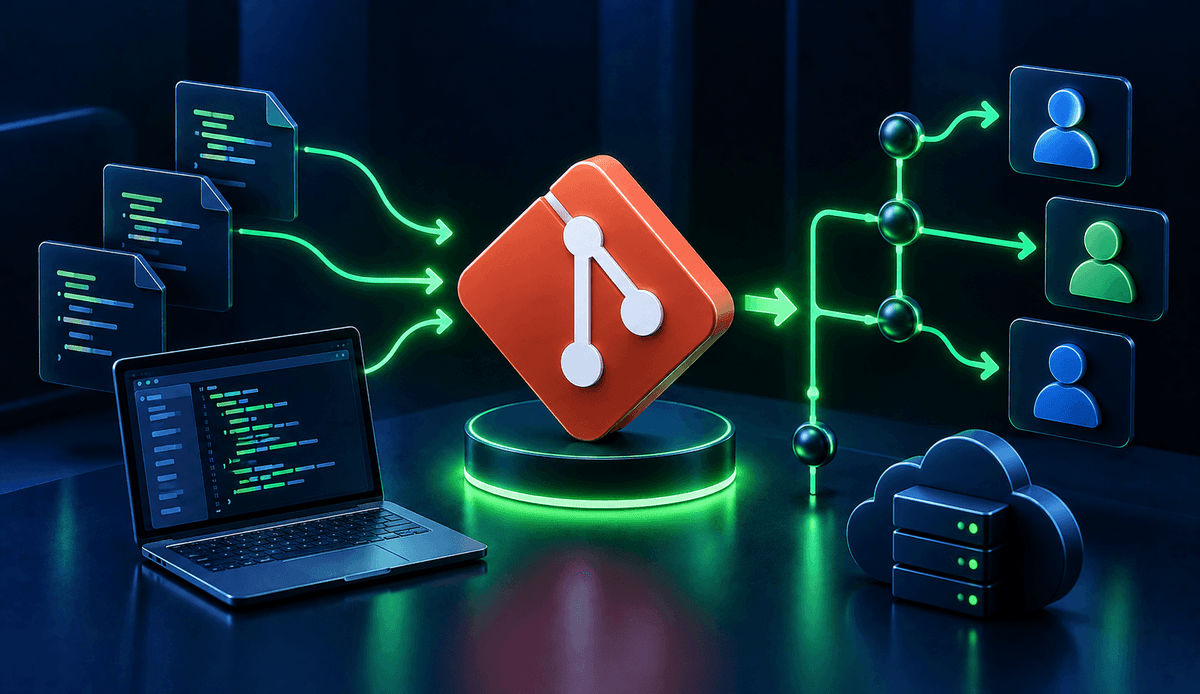
Git is a distributed version control system used to record changes made to files and track the history of a project. It makes managing different versions of code easier, especially in software development processes.
With Git, you can track when and by whom changes were made to a file. You can also revert to a previous version of the project when necessary.
Git does not require a constant connection to a central server. Since the project's Git history is stored on the developer's computer, many operations can be performed locally.
What is Git used for?
Git can be adapted to different workflows, from individual developers working alone to large software teams. Its main purpose is to make project changes organized and traceable.
The main purposes of using Git include:
- Tracking changes made to files
- Viewing previous versions of a project
- Reverting incorrect changes
- Working collaboratively on the same project
- Developing different features independently
- Comparing and merging changes
How to install Git?
Before using Git, you need to install it on your computer. Git is available for widely used operating systems such as Windows, macOS, and Linux.
After installation, Git commands can be run through a terminal or command line. You can use the following command to verify that Git has been installed correctly:
git --versionThis command displays the Git version installed on your computer. If a version number appears, Git is ready to use.
What is a Git repository?
A repository, or repo for short, is a project area tracked by Git. Project files, changes, and records called commits are managed within this structure.
Creating a Git repository for a new project is quite simple. Open a terminal inside the project folder and run the following command:
git initThis command turns the current folder into a repository tracked by Git.
How to start a project with Git?
After creating a Git repository, you can start tracking changes to the files in your project. First, you can check the current status of the project with Git.
git statusgit status shows the changes in the working directory. New, modified, or untracked files can be checked using this command.
To prepare a file for the next Git commit, use git add:
git add index.htmlTo add multiple files at once:
git add .The dot adds the appropriate changes in the current directory to the staging area.
What is a Git commit?
A commit is a record of the changes made to a project at a specific point in time. In other words, a commit is a meaningful milestone added to the history of the project you are working on.
After the changes are added to the staging area with git add, you can create a commit:
git commit -m "Updated homepage design"It is important for the commit message to clearly describe the change being made. This makes it easier to understand what changes were made and when they were made when reviewing the project history.
How to use Git log?
The git log command is used to view previous commits in a project:
git logThis command lists the commit history. Information such as the commit message, creation date, and person who created the commit can be viewed.
For a shorter view of the history, you can use:
git log --onelineThis format can make it easier to review the history, especially in projects with many commits.
What is a Git branch?
A branch allows you to create an independent workspace within the same project. For example, instead of directly modifying the main project, you can create a separate branch for a new feature.
This approach helps keep the feature being developed separate from the main codebase. Once the feature is complete, the changes can be merged into the main branch.
To create a new branch:
git branch new-featureTo create a branch and switch to it immediately:
git switch -c new-featureTo view existing branches:
git branchHow to switch Git branches?
You can use the git switch command to work on a different branch:
git switch new-featureIn older Git workflows, you may also encounter git checkout for switching branches. In modern Git usage, git switch provides a clearer approach for branch-related operations.
Branches are particularly useful in team projects because they help developers work on different features in an organized way within the same project.
What is Git merge?
Merge is used to combine the changes from one branch with another branch. For example, after completing a new feature on the new-feature branch, you can merge it into the main branch.
First, switch to the main branch:
git switch mainThen merge the relevant branch:
git merge new-featureGit attempts to combine the changes automatically. If different changes were made to the same lines, a conflict may occur that needs to be resolved.
What is a Git conflict?
A conflict occurs when Git cannot automatically combine two different changes. It usually happens when different changes are made to the same part of the same file in two branches.
When a conflict occurs, Git marks the relevant file. The developer can then review the file and decide which changes should be kept.
After resolving the conflict, the file is added to the staging area again and a new commit is created. Therefore, conflicts are a normal part of working with Git.
What is GitHub and how is it related to Git?
Git and GitHub are not the same thing. Git is a version control system, while GitHub is a platform that helps host Git repositories online and enables teams to collaborate.
A Git repository can be pushed to a remote platform such as GitHub. This makes it easier to access the project code from different computers and collaborate with team members.
To connect a remote repository to a project, you can use a command such as:
git remote add origin <repository-url>To push changes to the remote repository:
git push origin mainTo retrieve the latest changes from the remote repository:
git pullWhich Git commands should you learn?
Although Git offers hundreds of different options, learning a specific set of commands is enough to build a solid foundation for everyday development.
| Command | Purpose |
|---|---|
git init | Creates a new repository |
git status | Shows the status of changes |
git add | Adds changes to the staging area |
git commit | Records changes |
git log | Shows the commit history |
git branch | Displays and manages branches |
git switch | Switches between branches |
git merge | Merges branches |
git push | Pushes changes to a remote repository |
git pull | Retrieves changes from a remote repository |
One of the most effective ways to learn Git is to use these commands regularly on a small project. Instead of memorizing what each command does, understanding the problem each command solves makes Git much easier to use.
Git is a fundamental tool in software development for tracking changes, preserving project history, and facilitating collaboration. Once you learn commands such as init, add, commit, branch, merge, push, and pull, you can move on to more advanced Git features.