How to Create a Strong Password? Password Manager Recommendations

 09.21.2026
Strong passwords are one of the basic measures that help protect online accounts. In this article, we will examine how to create a strong password, which password mistakes should be avoided, and how password managers can make account security easier.
What is a strong password?
A strong password is difficult to guess and is not reused across other accounts. Password length, uniqueness, and avoiding personal information are important for security.
Instead of using a single password to protect multiple accounts, creating a different password for each account is a more secure approach. This way, even if one account's password is compromised, other accounts are not directly affected by the same password.
How to create a strong password?
When creating a strong password, you should first avoid information that can be easily guessed. Personal information such as your name, date of birth, phone number, or the name of your favorite sports team are not suitable choices for passwords.
When creating a secure password, consider the following characteristics:
- It should be long and difficult to guess
- It should not be used for other accounts
- It should not contain personal information
- It should avoid common words and patterns
- When required, it should combine uppercase and lowercase letters, numbers, and special characters
Password length can be more important than using only complex characters. Therefore, long and memorable passphrases that are difficult for others to guess can also be a good option.
How many characters should a strong password have?
The required password length can vary depending on the rules of the service being used. In general, longer passwords are more difficult to guess than shorter ones.
When creating a password, however, you should pay attention not only to length but also to uniqueness. For example, using the same long password across different platforms does not eliminate the risk of password reuse.
Therefore, when creating a strong password, length + uniqueness should be considered together.
What mistakes should be avoided when creating a password?
Some common password mistakes can weaken account security. Easily guessable patterns and reusing the same password across multiple accounts are among the most common problems.
Some password habits to avoid include:
- Using common passwords such as
123456,password, or similar patterns - Adding personal information such as your name or date of birth to the password
- Using the same password for multiple accounts
- Sharing your password with others
- Storing passwords in a publicly accessible note or an easily accessible file
- Reusing an old password by simply adding a number to the end
For people with many accounts, remembering every password can become difficult. This is where password managers can provide a practical solution.
What is a password manager?
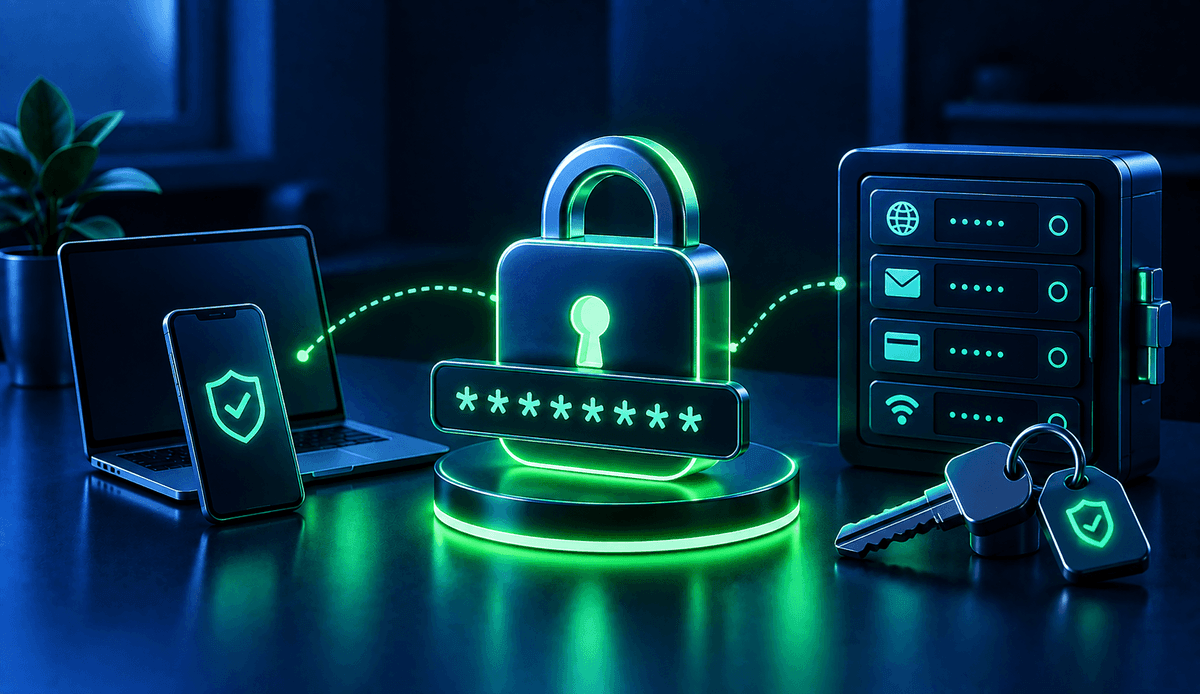
A password manager is an application that helps securely store and manage passwords for different accounts. It allows users to create different and strong passwords for each account without having to remember them individually.
Password managers typically offer features such as automatically filling in saved login information and generating new passwords. Some services may also provide additional features such as security alerts or synchronization across different devices.
When using a password manager, keeping the master password secure is particularly important. This password can serve as the primary key to accessing the other information stored in the password manager.
What are the advantages of using a password manager?
The main advantage of password managers is that they make it easier to use different and strong passwords for each account. This can reduce the need to rely on short or reused passwords.
Key advantages include:
- Making it easier to create unique passwords for each account
- Reducing the need to remember strong passwords
- Helping manage passwords in a centralized location
- Providing autofill on supported services
- Making it easier to generate new and strong passwords
However, when choosing a password manager, it is important to review its security features, supported devices, and approach to data protection.
What should you consider when choosing a password manager?
Not all password managers offer the same features. Therefore, when choosing a tool, you should consider not only ease of use but also its security and privacy features.
For example, you can compare the following features:
- End-to-end encryption approach
- Support for multi-factor authentication
- Compatibility with different devices and operating systems
- Password generation tools
- Security alerts
- Data export and backup options
- Whether it is open source and whether it undergoes security audits
Not all of these features need to have the same importance for every user. Comparing password managers based on the devices you use and your specific needs can help you make a more suitable choice.
Which password managers can you use?
There are many password managers on the market with different features and usage models. Bitwarden, 1Password, Proton Pass, and KeePassXC, for example, are among the options that address different needs.
Bitwarden is one of the password managers known for its open-source components and support for multiple platforms.
1Password offers password management as well as features for storing different types of sensitive information.
Proton Pass provides password management as part of the Proton ecosystem.
KeePassXC is an open-source password manager and may be preferred by users who want to manage their data locally.
Since the features, pricing, and supported platforms of these tools may change over time, it is useful to check their current offerings before making a decision.
How does two-factor authentication improve password security?
Two-factor authentication, or 2FA, requires a second verification method in addition to a password during login. This means that knowing the password alone may not be enough to gain full access to an account.
For accounts that support 2FA, enabling this feature is an important step that complements password security. Depending on the service, an authentication app, security key, or another verification method may be used.
When should a password be changed?
Today, instead of routinely changing every password at fixed intervals, it can be more appropriate to respond based on the security situation. In particular, if you suspect that an account password has been compromised, it should be changed promptly.
If a service reports a data breach, it is also important to change the password for the affected account and check other accounts where the same password was used. Preventing password reuse is therefore a critical security habit.
The foundation of strong password security is using passwords that are long, unique, and difficult to guess. Password managers make this process easier, while two-factor authentication provides an additional layer of security. Applying these practices together can help improve overall account security.