How is AI used to create visuals? What tools are used?

 07.14.2026
How to Create Images with AI? Which Tools Can You Use?
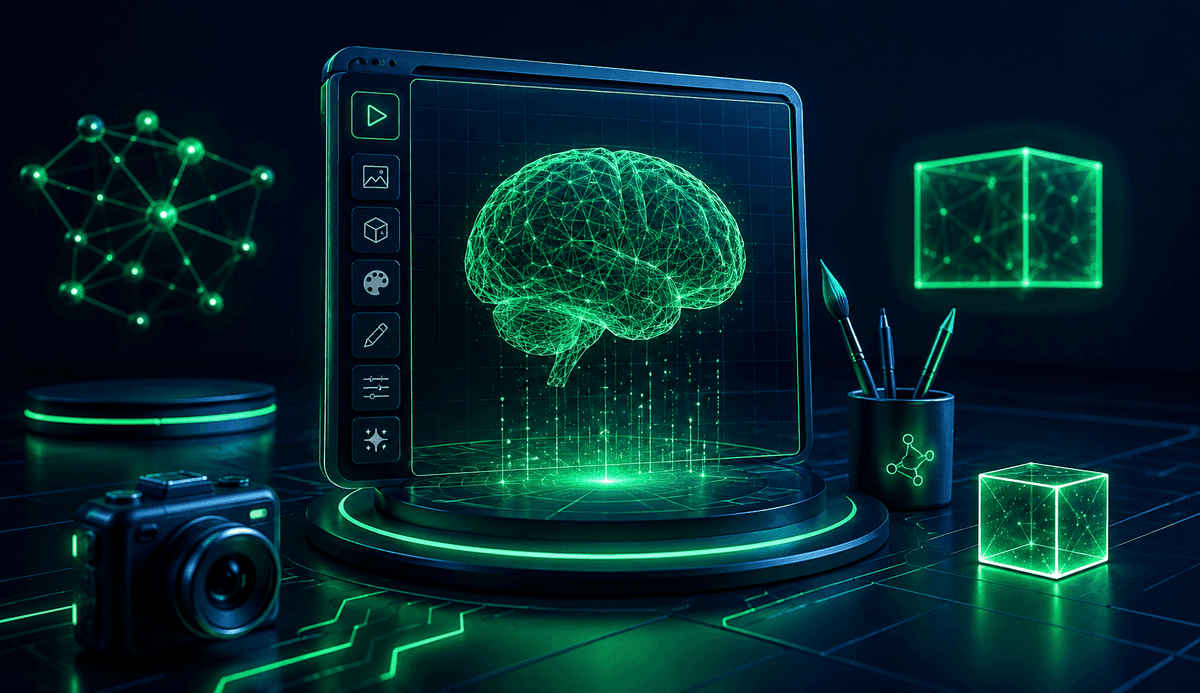
AI image generation makes it possible for even users with no design experience to create impressive visuals in just a short time. In this guide, you'll learn how AI image generation works, which tools are available, how to write effective prompts, and what to keep in mind for better results.
What is AI image generation?
AI image generation is a form of generative artificial intelligence that creates new images by analyzing text prompts. Users simply describe what they want, and the AI generates original visuals based on those descriptions.
In recent years, this technology has become widely used across industries such as marketing, education, software development, e-commerce, social media, and content creation. Today, it's possible to create presentation graphics, posters, concept art, and social media visuals without professional design skills.
How do you create images with AI?
Most AI image generation tools follow a similar workflow. By following a few simple steps, you can quickly produce the type of image you need.
The basic process is as follows:
- Choose an AI image generation tool.
- Describe the image you want in detail.
- Specify the image size or intended use.
- Select a style if needed.
- Generate the image.
- Review the result and refine your prompt to create improved versions.
It's completely normal not to get the perfect result on your first attempt. The key to producing high-quality AI-generated images is writing clear and detailed prompts.
How do you write prompts for AI image generation?
A prompt is the text instruction you provide to the AI. The quality of your prompt directly affects the quality of the generated image.
Instead of writing something like "create a city skyline," you'll achieve much better results by describing the scene in greater detail.
An effective prompt may include:
- Main subject
- Environment or location
- Lighting
- Camera angle
- Artistic style
- Color palette
- Aspect ratio
- Mood or atmosphere
For example:
"A modern city skyline at sunset, cinematic lighting, highly detailed, realistic photography style, wide-angle composition."
Detailed prompts help the AI better understand your expectations and generate more accurate results.
Which tools can you use for AI image generation?
There are many AI image generation tools available today, each designed for different needs. Some specialize in photorealistic visuals, while others focus on illustrations or graphic design.
Some of the most popular tools include:
- ChatGPT Image Generation
- Midjourney
- Adobe Firefly
- Google Imagen
- Microsoft Designer
- Canva AI
- Ideogram
- Leonardo AI
- Recraft
Each tool has its own strengths, so it's important to choose one based on your specific use case.
Can you generate images with ChatGPT?
Yes. ChatGPT includes image generation capabilities that allow users to create images directly from text prompts. It can also edit existing images, add or remove objects, replace backgrounds, and generate multiple design variations.
These features make ChatGPT a popular choice for content creators, educators, marketing teams, and social media managers.
What is Midjourney used for?
Midjourney is one of the most popular AI tools for artistic and creative image generation. It is widely recognized for producing visually striking and highly aesthetic results.
It is commonly used for:
- Concept art
- Character design
- Game development
- Book cover design
- Advertising campaigns
- Digital art projects
In addition to photorealistic images, Midjourney excels at creating imaginative illustrations.
What does Adobe Firefly do?
Adobe Firefly is a generative AI solution designed to accelerate graphic design workflows. Because it integrates with Adobe's creative ecosystem, it provides significant advantages for professional designers.
Its key features include:
- Text-to-image generation
- Background replacement
- Object addition and removal
- Text effects
- Design variations
It is especially useful for teams already working with Adobe Creative Cloud applications.
Where can AI-generated images be used?
AI-generated visuals can streamline content production across many industries. When used appropriately, they help save both time and production costs.
Common use cases include:
- Social media content
- Blog articles
- Advertising creatives
- Presentation designs
- E-commerce product visuals
- Educational materials
- Website banners
- Game and app design
- Concept art
Before using AI-generated images commercially, it's recommended to review the licensing terms and usage policies of your chosen platform.
What are the advantages of AI image generation?
Generative AI tools help make creative workflows more efficient, especially during brainstorming and ideation.
Some of the main advantages include:
- Saves time
- Speeds up the design process
- Enables rapid experimentation with multiple ideas
- Allows users without design expertise to create visuals
- Generates multiple alternatives within minutes
- Supports content production at scale
These benefits make AI image generation valuable for both individuals and professional teams.
What should you consider when creating AI-generated images?
Although AI is capable of producing impressive results, achieving high-quality outputs still requires attention to detail.
Keep these best practices in mind:
- Write prompts as clearly and specifically as possible.
- Experiment with different prompt variations.
- Define the image's purpose before generating it.
- Review the platform's licensing and usage terms.
- Carefully inspect the final image before publishing it.
Even small improvements to your prompts can often lead to significantly better results.
Conclusion
AI image generation tools have become powerful solutions for increasing productivity across design, marketing, and content creation. Choosing the right platform, writing effective prompts, and refining generated visuals based on your goals are the key steps to achieving high-quality results.