How to Get Started with Game Development? An Introduction to Unity and Unreal Engine

 10.20.2026
Game development is the process of turning creative ideas into playable experiences. So, how can you get started with game development, and which engine should you choose between Unity and Unreal Engine? In this guide, you’ll learn the fundamentals of game development, the tools used in the process, and the steps you can follow to create your first game.
What Is Game Development?
Game development is the process of designing and creating games that run on platforms such as computers, mobile devices, and gaming consoles. This process involves more than just writing code. Game mechanics, character design, sound, visual effects, and user experience are also important parts of game development.
A game project may involve software developers, game designers, graphic artists, and sound designers working together. In smaller projects, one person may take on several of these roles.
To develop a game, you first need to come up with a game idea and then learn the tools that will help you bring it to life. Unity and Unreal Engine are among the most popular game engines used for this purpose.
How to Get Started with Game Development
You don’t need advanced programming knowledge to start developing games. You can improve your skills over time by learning the fundamental concepts and working on small projects. Focusing on a single core mechanic instead of trying to build a complex game at the beginning can make the learning process easier.
You can follow these steps to develop your first game:
- Choose a game genre: Pick a genre that interests you, such as platformers, puzzle games, racing games, or simple 2D adventure games.
- Learn basic programming concepts: Start with topics such as variables, conditionals, loops, and functions.
- Choose a game engine: Select a tool such as Unity or Unreal Engine and focus your learning on a single platform.
- Build a small project: Implement a single mechanic, such as character movement, collecting objects, or avoiding obstacles.
- Test and improve: Check how your game works, fix bugs, and add new features.
As you follow these steps, it’s important to put what you learn into practice rather than relying solely on theory. Completing small projects will provide a solid foundation for your future work.
What Is a Game Engine?
A game engine is software that brings together the essential tools and systems needed to develop a game. It simplifies tasks such as rendering graphics, applying physics rules, playing sounds, and processing user input.
Building a game engine from scratch is a complex undertaking. Using an existing game engine allows developers to focus more on game mechanics and design.
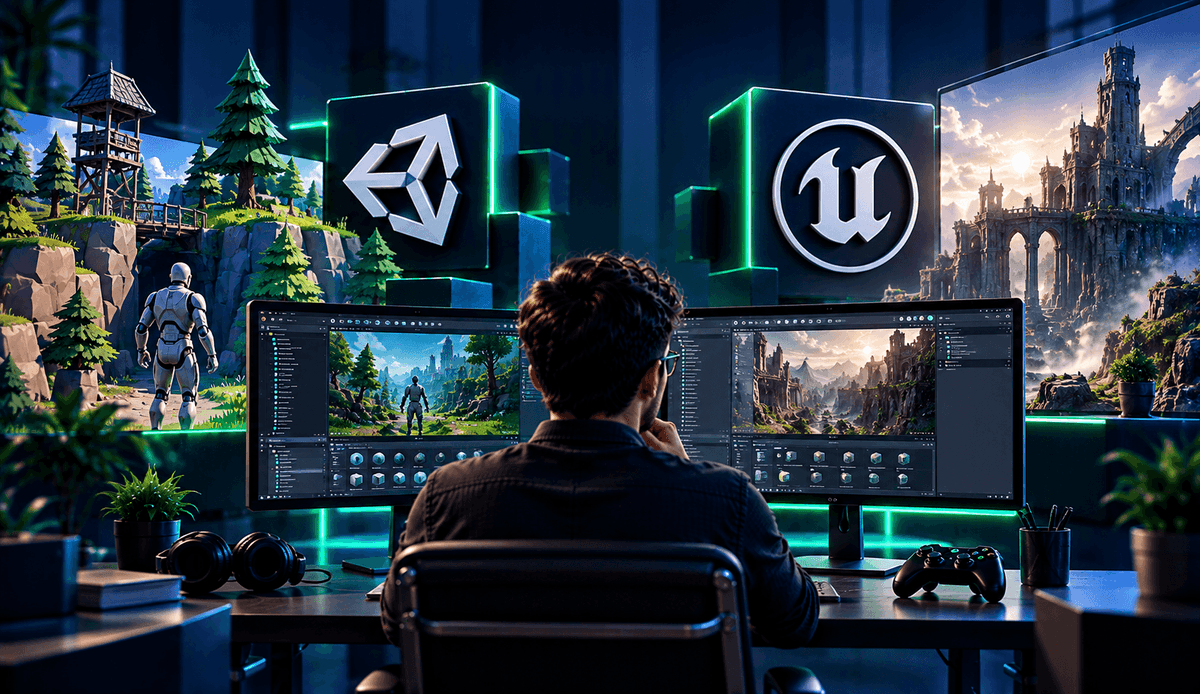
Unity and Unreal Engine are two major game engines that serve different development needs. Both support 2D and 3D game development. However, they differ in their programming languages, editors, and development approaches.
What Is Unity and What Is It Used For?
Unity is a game engine used to develop 2D and 3D games, as well as interactive applications. It supports creating projects for computers, mobile devices, and various other platforms. Thanks to its user-friendly editor and extensive learning resources, it is an option worth considering for beginners.
Unity is widely used, particularly for mobile games and indie game projects. It provides visual tools for arranging game scenes, adding objects, managing animations, and configuring physics properties.
The primary programming language used for game development with Unity is C#. C# is a programming language used to define how a game behaves. For example, you can use C# code to make a character move with the keyboard or award points when an object is touched.
To start learning Unity, you can develop a simple 2D platformer and then add features such as character controls, collision detection, and a scoring system.
What Is Unreal Engine and What Is It Used For?
Unreal Engine is a game engine primarily used to create advanced 3D graphics and detailed visual experiences. In addition to computer and console games, it is also used in fields such as architectural visualization, virtual production, and interactive experiences.
Unreal Engine provides visual tools for features such as realistic lighting and material systems. These capabilities can be beneficial for developers who want to create detailed environments and visually rich game worlds.
The engine’s primary programming language is C++. It also includes a visual programming system called Blueprint Visual Scripting. With Blueprint, you can create game mechanics by connecting nodes instead of writing code in the traditional way.
When learning Unreal Engine, a good starting point is to add a ready-made character to a scene, configure its movements, and create a simple interaction system.
What Are the Differences Between Unity and Unreal Engine?
When choosing between Unity and Unreal Engine, you should consider your project’s scope, the platforms you want to target, and the technologies you want to learn. Both engines offer powerful features, so it would not be accurate to say that one is the best choice for every project.
| Feature | Unity | Unreal Engine |
|---|---|---|
| Primary programming language | C# | C++ |
| Visual programming | Various visual tools and solutions | Blueprint |
| 2D game development | Powerful tools | Supported |
| 3D game development | Extensive tool support | Advanced 3D and visual capabilities |
| Common use cases | Mobile games, indie games, 2D and 3D projects | Large-scale 3D games, real-time visualization |
| Learning approach | Hands-on practice using C# and the editor | Hands-on practice using Blueprint or C++ and the editor |
Unity may be a suitable option for those who want to learn C# and improve their programming skills through small projects. Unreal Engine may be a better fit for those who want to focus on advanced 3D visuals or explore visual programming with Blueprint.
You shouldn’t focus solely on graphics quality when making your decision. It is also important to consider whether the learning resources suit your needs, whether your computer meets the system requirements, and whether the engine supports your chosen game genre.
Which Programming Language Should You Learn for Game Development?
The programming language you use for game development depends on your preferred game engine and your project’s requirements. Instead of trying to learn several languages at once, focusing on a single language at the beginning can help you understand fundamental concepts more effectively.
If you plan to use Unity, you can start with C#. For Unreal Engine, you can learn C++ or use the Blueprint system during the initial stages.
Regardless of which language you choose, start by learning fundamental topics such as variables, conditional statements, loops, functions, and object-oriented programming. These concepts help you define how characters and objects behave in a game.
It is also important to reinforce your programming knowledge through small applications. For example, creating a score counter, a countdown system, or character movement can help you apply what you have learned to game development.
How to Develop Your First Game Project
The goal of your first game project should be to learn the fundamental stages of development rather than produce a comprehensive product. For this reason, choosing a project with a limited number of mechanics that can be tested in a short time may be more effective.
For example, you can develop a simple game in which the player moves a character on the screen to collect objects. Through this project, you can gain hands-on experience with character controls, collision detection, score calculation, and game state management.
You can focus on the following stages throughout the project:
- Planning: Define the game’s objective and basic rules.
- Prototyping: Make the core mechanics functional without spending time on graphical details.
- Development: Add elements such as characters, environments, sound, and user interfaces.
- Testing: Try different scenarios and fix any bugs you encounter.
- Sharing: Create a working version of the game and prepare it to showcase in your portfolio.
Your first project doesn’t have to be perfect. What matters is completing a project from the initial stages through testing and applying what you learn during the process to future projects.
What Resources Can You Use to Learn Game Development?
You can learn game development by using official documentation, sample projects, and hands-on training. The game engines’ own learning resources are particularly useful starting points for understanding how their tools work.
For Unity, you can explore Unity Learn. For Unreal Engine, you can use the Unreal Engine Developer Community and its official documentation. These resources include beginner guides, sample projects, and explanations of how to use different features.
It is also important to support your learning process with personal projects. Collecting your games in a portfolio helps you demonstrate your technical skills and track your progress over time.
Game development is a field where progress comes through consistent practice and experimentation. You can start by building small projects with Unity or Unreal Engine and gradually move on to more complex mechanics and game systems.