Monitoring and Observability: How Do You Monitor Your Applications?

 10.26.2026
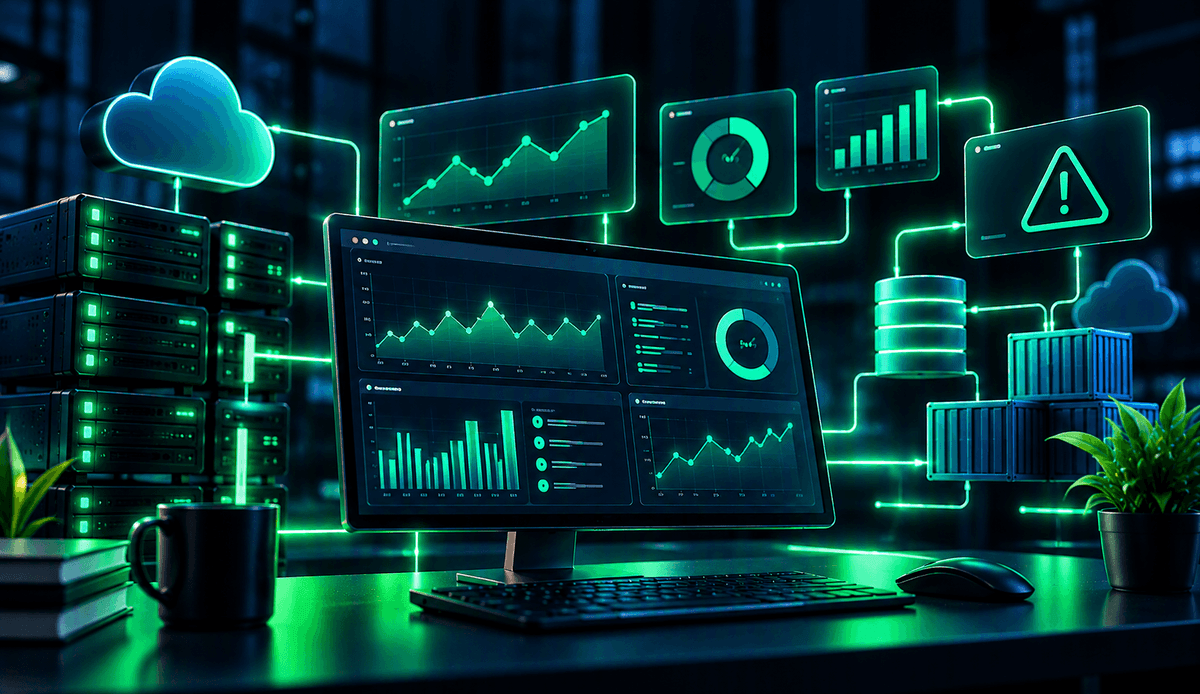
Monitoring and observability are two important approaches used to track application performance, detect errors, and understand system behavior. So, what are the differences between them? In this article, you will learn about the key concepts, types of data, tools, and ways to manage application monitoring processes.
What Is Monitoring?
Monitoring is an approach that involves tracking the status of an application or system using predefined measurements. Its purpose is to help teams detect performance issues and unexpected conditions so they can respond in a timely manner.
Monitoring systems regularly collect predefined measurements. They can alert teams when these measurements fall outside established thresholds.
For example, if a web application's response time suddenly increases, the monitoring system can generate an alert. This allows developers to investigate the issue before it significantly affects the user experience.
What Is Observability?
Observability is the ability to understand a system's internal state and investigate its behavior using data collected from outside the system. It is particularly useful for identifying the causes of problems in complex applications that consist of multiple services.
While monitoring primarily tracks predefined conditions, observability also supports the investigation of unexpected issues. Developers can correlate data from different sources to determine where and why an error occurred.
For example, when a payment process slows down in an e-commerce application, knowing the response time alone may not be enough. Observability data helps developers investigate whether the slowdown originates from the payment service, the database, or a connection to another service.
What Are the Differences Between Monitoring and Observability?
Monitoring and observability complement each other. Monitoring helps teams identify whether something unexpected is happening in a system, while observability provides a broader perspective for investigating why it is happening.
| Feature | Monitoring | Observability |
|---|---|---|
| Primary purpose | Track system status | Understand system behavior |
| Focus | Predefined measurements | Investigation using different data sources |
| Main use case | Detect issues and generate alerts | Investigate the root causes of issues |
| Data usage | Metrics, logs, and alerts | Combined analysis of metrics, logs, and traces |
| Example | Detecting an increase in server response time | Investigating why response time has increased |
Rather than treating these approaches as entirely separate, it is more useful to consider them together. An effective monitoring system makes issues visible, while observability helps teams understand the relationships between different application components.
What Are the Three Core Components of Observability?
The three most commonly used data types in observability are metrics, logs, and traces. Each provides a different perspective on the system. Analyzing these data types together helps teams understand an application's overall health and investigate problems in greater detail.
- Metrics: Represent the state of a system at a particular time using numerical values. CPU utilization, memory consumption, request counts, and response times are examples of metrics.
- Logs: Record events that occur within an application, along with timestamps. Error messages, failed operations, and application activities can be investigated through logs.
- Traces: Show the path a request takes across different application components. They help developers investigate where an operation slows down or encounters an error.
For example, if a user encounters an error while logging in, metrics may reveal an increase in the error rate. Logs can provide the error messages generated during the login process, while traces can show which services the request passed through.
How Are Applications Monitored Using Monitoring and Observability?
An effective monitoring process involves more than simply installing tools. Teams must first determine which application indicators to track, then collect the relevant data and analyze it according to their needs.
You can plan an application monitoring process using the following steps:
- Identify the indicators to monitor: Select measurements that reflect application health, such as response time, error rate, request count, and resource utilization.
- Configure data collection: Set up the collection of metrics, logs, and traces from application and infrastructure components.
- Create dashboards: Display important measurements in one place to monitor the overall system status.
- Define alerting rules: Configure notifications for conditions such as error rates exceeding defined thresholds or response times moving outside expected ranges.
- Investigate issues and make improvements: Correlate alerts with relevant logs and traces to identify potential causes. Then measure the impact of any changes made.
When implementing these steps, it is important to ensure that the monitored indicators are relevant to the user experience. Unnecessary alerts can make it harder for teams to notice important issues.
Which Tools Are Used for Monitoring and Observability?
The tools you choose depend on the application's architecture, technical infrastructure, and team requirements. Some tools focus on specific measurements, while others support the combined analysis of metrics, logs, and traces.
Commonly used tools and technologies include:
- Prometheus: An open-source tool used for metric collection, querying, and monitoring.
- Grafana: Enables teams to create dashboards for visualizing metrics and data from different sources.
- OpenTelemetry: An open-source observability framework and collection of standards that supports generating, collecting, and exporting metrics, logs, and traces from applications to different systems.
- Jaeger: Can be used to analyze traces in distributed systems and understand how requests flow between services.
- Cloud provider monitoring services: Help teams collect and visualize application and infrastructure data and manage alerts.
You do not need to use all these tools at once. First, identify the data you need, then select a solution that is compatible with your existing infrastructure. OpenTelemetry's ability to work with different tools can provide flexibility when designing a monitoring infrastructure.
What Should You Consider When Monitoring Applications?
To get the most out of monitoring and observability, you need to collect the right data and evaluate it in a meaningful context. Collecting large amounts of data alone does not necessarily make troubleshooting faster.
Consider the following practices to improve your monitoring process:
- Monitor the user experience: Focus not only on server resources but also on the errors and delays users encounter.
- Create meaningful alerts: Use prioritized notifications for conditions that require team intervention.
- Correlate data: Analyze metrics, logs, and traces together using shared timestamps or correlation identifiers.
- Protect sensitive data: Prevent passwords, access keys, and unnecessary personal information from being written to logs. Manage data access and retention periods appropriately.
- Review the process regularly: Examine recurring errors and unnecessary alerts to improve your monitoring approach.
These practices can help teams investigate issues more quickly and develop a better understanding of system behavior.
Monitoring and observability are complementary approaches to managing the performance and reliability of modern applications. Monitoring helps detect issues, while observability helps investigate their causes. By using metrics, logs, and traces together, you can make your applications more transparent and manageable.